
Your salary was supposed to arrive yesterday. You open the FAB app and it stalls on the loading screen. You try the website and you are not sure which section to click on. You have a Ratibi card and you do not know if the app even works for it. This situation happens to thousands of UAE residents every month, and completing a proper FAB Balance Check is simpler than it looks.
First Abu Dhabi Bank (FAB) is the largest bank in the UAE. Millions of residents use it through full savings or current accounts, Ratibi salary cards, and prepaid WPS cards. The thing most guides miss is that each card type has a different ideal check method. Use the wrong one and you waste ten minutes getting nowhere.
In 2026, FAB is offering seven official ways to check your balance. The PPC Magnati portal is the fastest option for Ratibi and prepaid cardholders and requires no login at all. The FAB Mobile app is the most complete option for full-account holders. SMS to 2121 works on any phone, no internet is needed. All of these are free from FAB’s side. Start by finding the nearest FAB branch or ATM if you need in-person help, or follow the digital steps below.
FAB Balance Check: Which Method Works for Your Card Type?
Before anything else, find your card type in this table. Every method below is valid, but some only work for specific card types. Using the right one from the start saves you time.
| Your Card or Account Type | Fastest Method | Backup Method |
| Full FAB account (savings, current, salary account) | FAB Mobile App | SMS to 2121 or bankfab.com online banking |
| Ratibi salary card (prepaid WPS card) | PPC Magnati portal | Payit app or SMS to 2121 |
| FAB prepaid card (gift card, travel card, government card) | PPC Magnati portal | ATM or FAB branch |
| FAB credit card | FAB Mobile App | Online banking at bankfab.com |
| Payit wallet | Payit app | FAB support at 600 54 3329 |
FAB Ratibi Card Balance Check via PPC Magnati Portal
This is the fastest option for anyone holding a Ratibi salary card or any FAB prepaid WPS card. No account, no password, no registration of any kind. It runs in any browser, on any device, 24 hours a day.
Step 01: Open ppc.magnati.com/ppc-inquiry on your phone or computer.
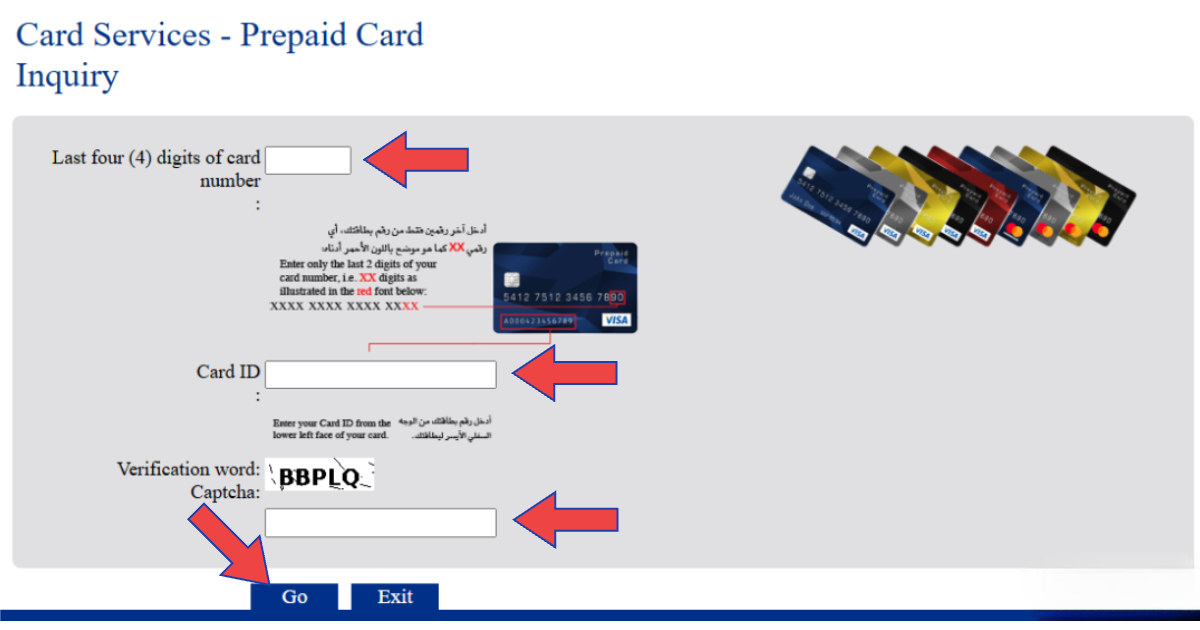
Step 02: In the first box, enter the last 4 digits of your Ratibi or prepaid card number.
Step 03: In the second box, enter your Card ID number. This is printed on the back of the card, usually 9 to 16 digits.
Step 04: Complete the captcha verification to confirm you are a real user.
Step 05: Click “Go.” Your current available balance and recent transactions appear instantly.
FAB Balance Check via Mobile Banking App
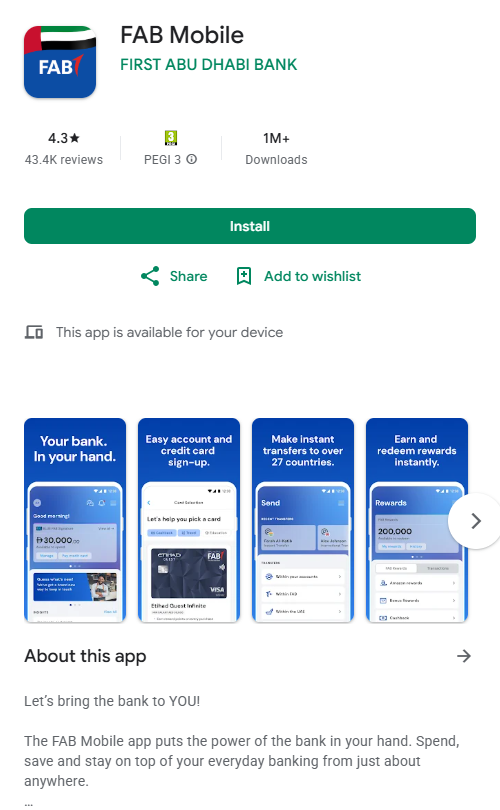
The FAB Mobile app is the most complete tool for full account holders. It shows all of your accounts, cards, credit balances, and transaction history in one place. Download it by searching for “FAB Mobile” on Google Play or the App Store. This is different from the Payit app, which is a separate product.
First-Time Registration
- Download FAB Mobile and tap on “Register.”
- Enter your registered UAE mobile number and receive a 6-digit OTP.
- Enter your account number (or prepaid card number if applicable) and Emirates ID.
- Scan your Emirates ID using the phone’s camera when asked.
- Complete face verification following the on-screen instructions.
- Set your password. You are now logged in. Your balance appears on the home screen immediately.
Existing Users: Check Balance
- Open the app and login with your password, fingerprint, or Face ID.
- Your balance appears on the home screen under your account name.
- Tap on “Accounts” for a detailed breakdown of each account.
- Click on “Cards,” then “Prepaid Cards” if you have a linked Ratibi or prepaid card to view.
Ratibi card not showing in the app? Go to “Settings” and enable “Show Linked Card Balances.” If the card still does not appear, the FAB Mobile app has limited display for some prepaid card types. Use the PPC Magnati portal instead. It is faster for Ratibi cards anyway.
FAB Balance Check via SMS
This method works on any mobile phone including basic phones with no data plan. It is also the most reliable backup when the app or website is not loading.
- Open your phone’s messaging app.
- Type: BAL [space] XXXX where XXXX is the last 4 digits of your account number. Example: BAL 4521.
- Send to 2121 from your registered UAE mobile number.
- Your balance reply arrives within seconds.
FAB does not charge for the balance enquiry itself. Your telecom provider (du or Etisalat) may charge approximately AED 0.30 to AED 1.00 per SMS. Before sending, you can check your du balance to make sure you have enough credit. If no reply arrives within 2 minutes, call 600 52 5500 to confirm your registered mobile number is correct.
Check FAB Balance via Online Banking
This is the desktop version of the FAB Mobile App. Best for full account holders who prefer a browser over a mobile app or need to download statements and salary certificates.
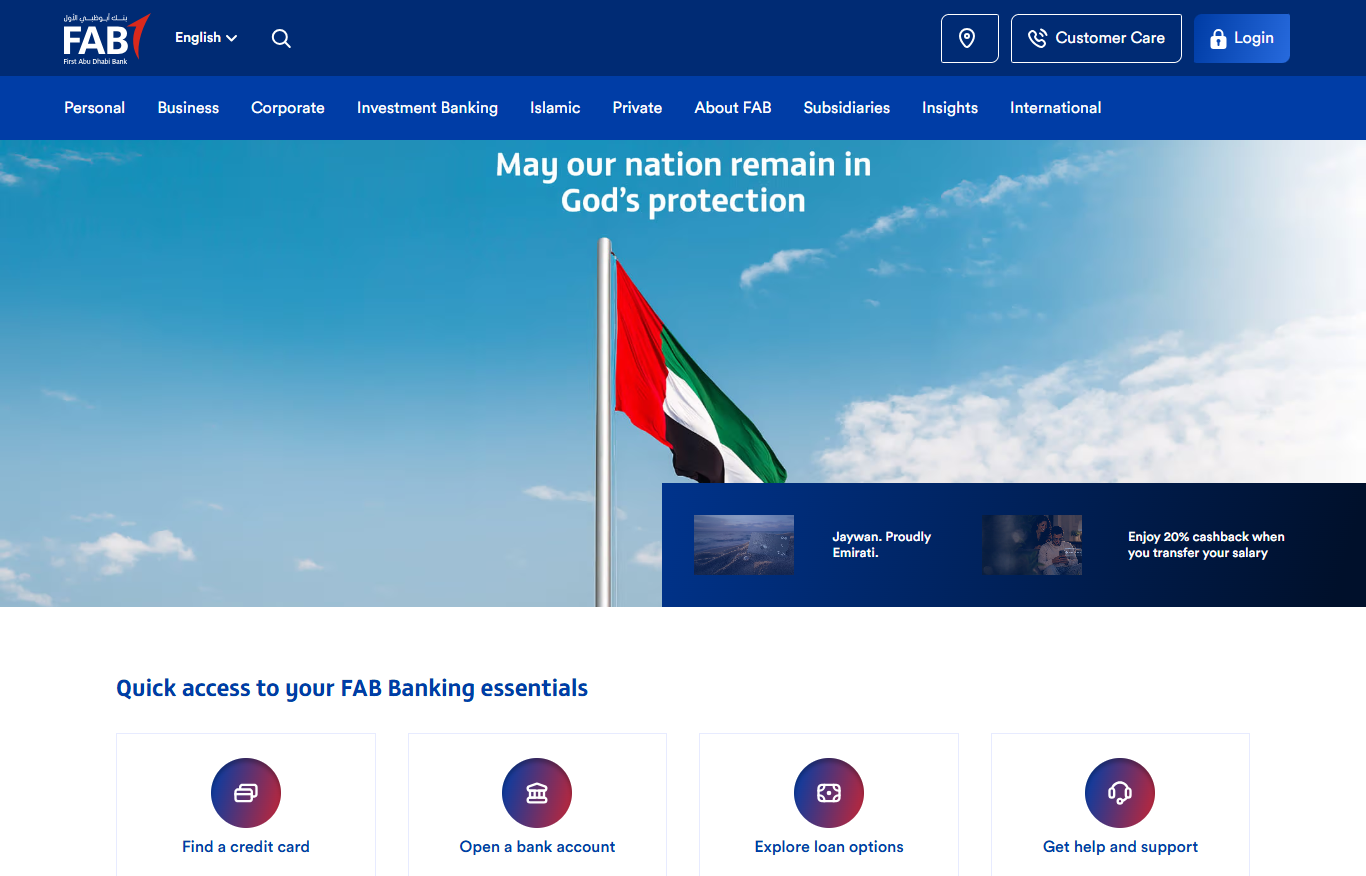
- Go to bankfab.com and click “Login,” then “Personal Online Banking.”
- Enter your User ID and password.
- Complete the OTP verification sent to your registered mobile number.
- Go to the “Accounts” tab. Your balance, available funds, recent transactions, and account statements are all visible from here.
- Download official account statements or salary certificates in PDF format from the same dashboard.
Check FAB Balance at ATM
The ATM option works for any card type and requires no internet, no app, and no registration beyond having your card and PIN. You can use it 24 hours a day, 7 days a week.
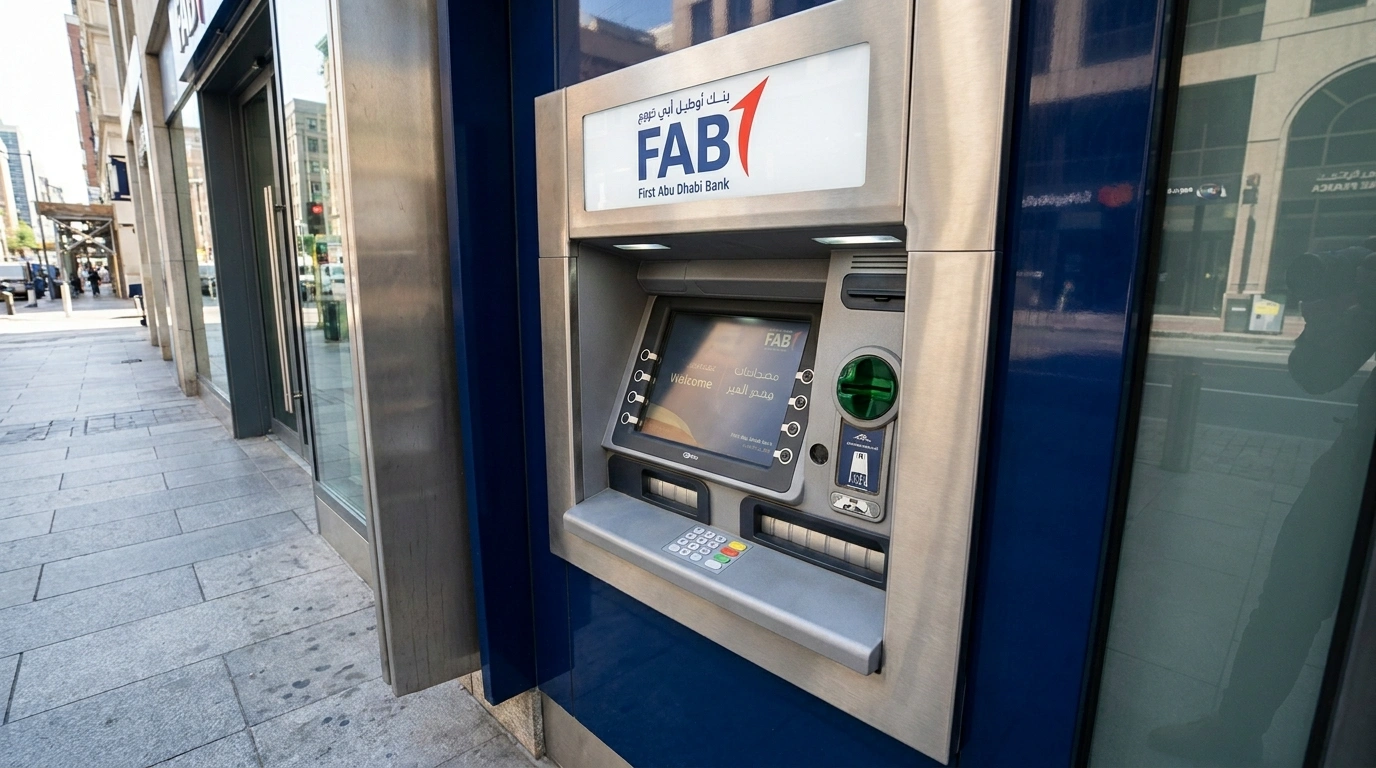
- Visit any FAB ATM. You can also locate FAB ATMs near you using the official branch finder.
- Insert your card and enter your PIN.
- Select “Balance Inquiry.”
- Your available balance appears on screen. Select Print for a mini statement showing your last few transactions.
FAB Balance Check via Payit Wallet
Payit is the official FAB digital wallet built specifically for Ratibi and prepaid cardholders to check balances, pay utility bills, and send money internationally. You can easily set up the application and manage your linked salary funds by following the simple steps below:
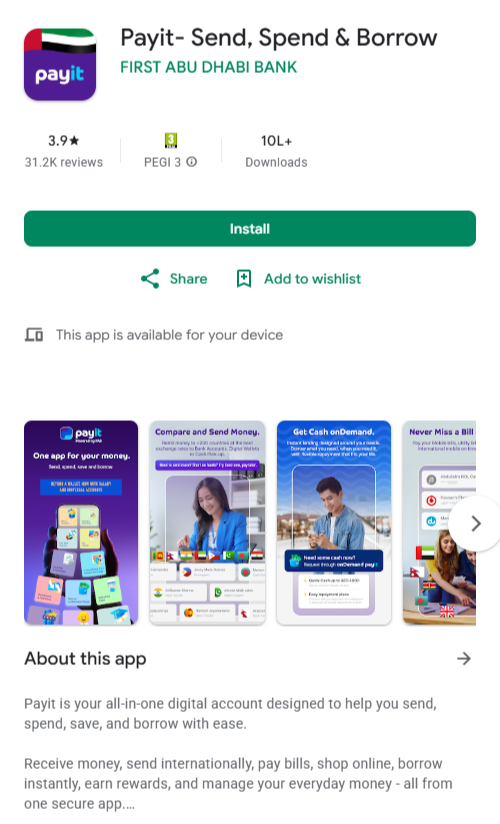
- Download Payit from Google Play or the App Store and make sure it is the official version powered by FAB.
- Register using your UAE mobile number and card details.
- Your linked card balance appears on the home screen once set up.
- If your Ratibi card is linked but the balance is not shown, go to “Settings” and enable “Show Linked Card Balances,” or remove the card and re add it if still not syncing.
Check FAB Balance by Phone Call
If all digital channels are unavailable or you prefer speaking to a person, phone banking is open Sunday to Thursday from 8 AM to 8 PM. Use the correct number for your card type:
| Card or Account Type | Phone Number |
| Full FAB account holders | 600 52 5500 (UAE) or +971 2 681 1511 (international) |
| Ratibi and prepaid card holders | 600 52 2298 |
| Payit wallet support | 600 54 3329 |
| Salary complaint (MOHRE) | 800 60 |
All FAB Balance Check Methods at a Glance
| Method | Best For | Internet Needed | Available |
| PPC Magnati portal | Ratibi and prepaid cards | Yes | 24/7 |
| FAB Mobile App | Full account holders | Yes | 24/7 |
| SMS to 2121 | All card types | No | 24/7 |
| Online Banking (bankfab.com) | Full accounts, desktop users | Yes | 24/7 |
| ATM | All card types | No | 24/7 |
| Payit App | Ratibi, prepaid, bill payments | Yes | 24/7 |
| Phone Banking | All types, assisted | No | Sun to Thu, 8 AM to 8 PM |
FAB Balance Check Not Working? Common Problems and Fixes
| Problem | Most Likely Cause | Fix |
| App shows loading error or crashes | Server maintenance, often Friday nights UAE time | Switch to SMS (BAL XXXX to 2121) or use an ATM |
| Balance not updated after salary deposit | Processing lag of a few hours | Wait 24 hours. If still missing: call 600 52 2298 (Ratibi) or 600 52 5500 (accounts) |
| Account frozen or access blocked | Expired Emirates ID on FAB file | Update Emirates ID in the FAB app under profile settings, or visit a branch |
| PPC portal shows zero or wrong balance | Card ID entered incorrectly | Recheck the Card ID on the back of the card exactly as printed |
| No reply to SMS banking | Mobile number not registered or wrong number on file | Call 600 52 5500 to verify and update the registered number |
| SMS says salary credited but portal shows less | Pending fees or card charges applied | Portal balance is accurate. Call 600 52 2298 if the deduction does not match anything |
If your salary was not credited at all:
- Call FAB Ratibi support on 600 52 2298 and confirm whether the WPS transfer was received on FAB’s side.
- If FAB confirms the transfer was not received, contact your employer directly with the WPS reference number.
- If your employer is not cooperating, file a salary complaint with the Ministry of Human Resources and Emiratisation (MOHRE) by calling 800 60.
Friday nights: FAB typically performs system maintenance on Friday nights (UAE time). If the mobile app or online banking shows errors during this window, do not keep retrying. Switch to SMS banking (BAL XXXX to 2121) or visit an ATM. Both work independently of the app servers and are always available.
FAB Quick Reference: Contact Numbers, Portal and Account Details
| Detail | Information |
| Full account helpline (UAE) | 600 52 5500 |
| Full account helpline (international) | +971 2 681 1511 |
| Ratibi and prepaid card helpline | 600 52 2298 |
| Payit wallet support | 600 54 3329 |
| MOHRE salary complaint line | 800 60 |
| FAB SWIFT / BIC code | NBADAEAAXXX |
| FAB official website | bankfab.com |
| PPC Magnati portal | ppc.magnati.com/ppc-inquiry |
| iSave account minimum balance | AED 3,000 (below this, monthly maintenance fee applies) |
| Ratibi card minimum balance | None |
Frequently Asked Questions
How do I check my FAB balance online in 2026?
It depends on your card type. Ratibi and prepaid cardholders can go to the PPC Magnati portal, enter the last 4 digits of the card and the Card ID from the back, complete the captcha, and click “Go.” Full FAB account holders can log into the official website or use the FAB Mobile app with their User ID and password.
How do I check my FAB Ratibi card balance?
The fastest way is through the Magnati PPC website. No login is needed. Enter your card’s last 4 digits, the Card ID on the back of the card, complete the captcha, and click “Go.” Your current balance appears immediately. You can also use the Payit app or send ‘BAL’ XXXX to 2121 via SMS.
How do I check my FAB balance via SMS?
Type ‘BAL’ followed by a space and the last 4 digits of your account number (example: BAL 4521) and send it to 2121 from your registered UAE mobile number. Your balance will arrive within seconds. FAB does not charge for this. Your telecom provider may charge AED 0.30 to AED 1.00 per SMS.
Can I check my FAB balance without the internet?
Yes, there are two ways. Send BAL XXXX to 2121 via SMS from your registered mobile number (works on any phone, no data is needed). Or visit any FAB ATM, insert your card, enter your PIN, and select ‘Balance Inquiry.’ Both options are available 24 hours a day, 7 days a week.
What is the FAB Ratibi card helpline number?
For Ratibi and prepaid card queries, call 600 52 2298. For full FAB account holders, the number is 600 52 5500. For Payit wallet support, call 600 54 3329. Lines are open Sunday to Thursday from 8 AM to 8 PM.
Final Thoughts
For most Ratibi cardholders, the PPC Magnati portal is all they will ever need, taking just thirty seconds with no password. Full account holders can use the FAB Mobile app to see everything in one place, while SMS to 2121 remains a reliable backup on any phone without data.
It is best to check the available balance instead of the ledger balance to easily prevent declined transactions at checkout. Upgrading to a full FAB bank account gives you access to extra savings features, and for everything related to WPS deposit timelines, a Ratibi card salary check covers the complete picture.

Haris Khan is the lead content expert at TheEmiratesGuides.com, where he oversees the documentation of UAE visa processes, employment opportunities, and government services. With a commitment to factual integrity and real-time updates, he provides the technical expertise necessary to guide readers through the complexities of life and work in the UAE.