
It is the 1st of the month. Your salary was supposed to arrive today. You pick up your phone, stare at your Ratibi card, and you are not sure how to confirm whether the money has actually landed. That is a situation almost every Ratibi cardholder has faced, and this guide gives you a direct answer.
The fastest method is through the PPC Magnati portal. No login, no app, no bank account is needed. Enter the last 4 digits of your card and your Card ID, and your balance appears in seconds. If you are offline or at an ATM, the four other official methods work just as well. All of them are covered below with the exact steps.
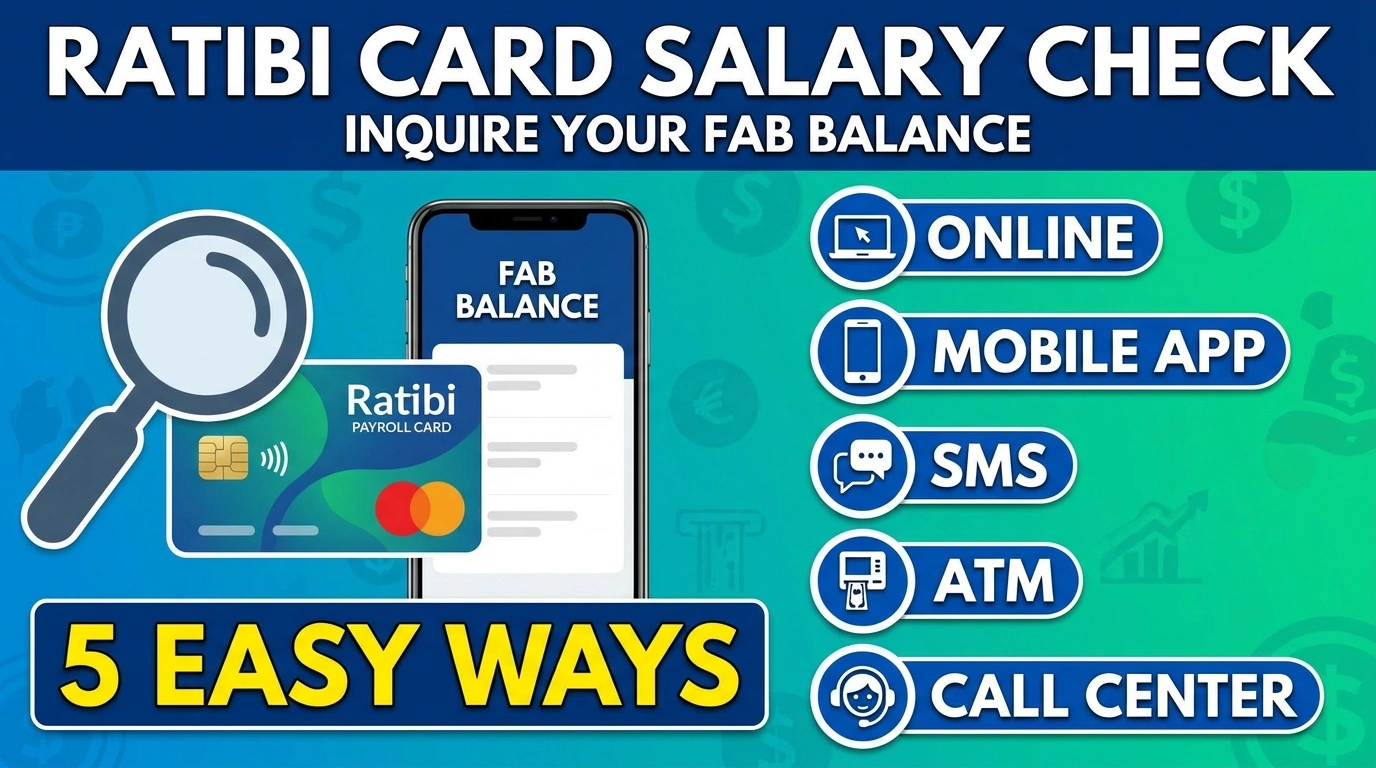
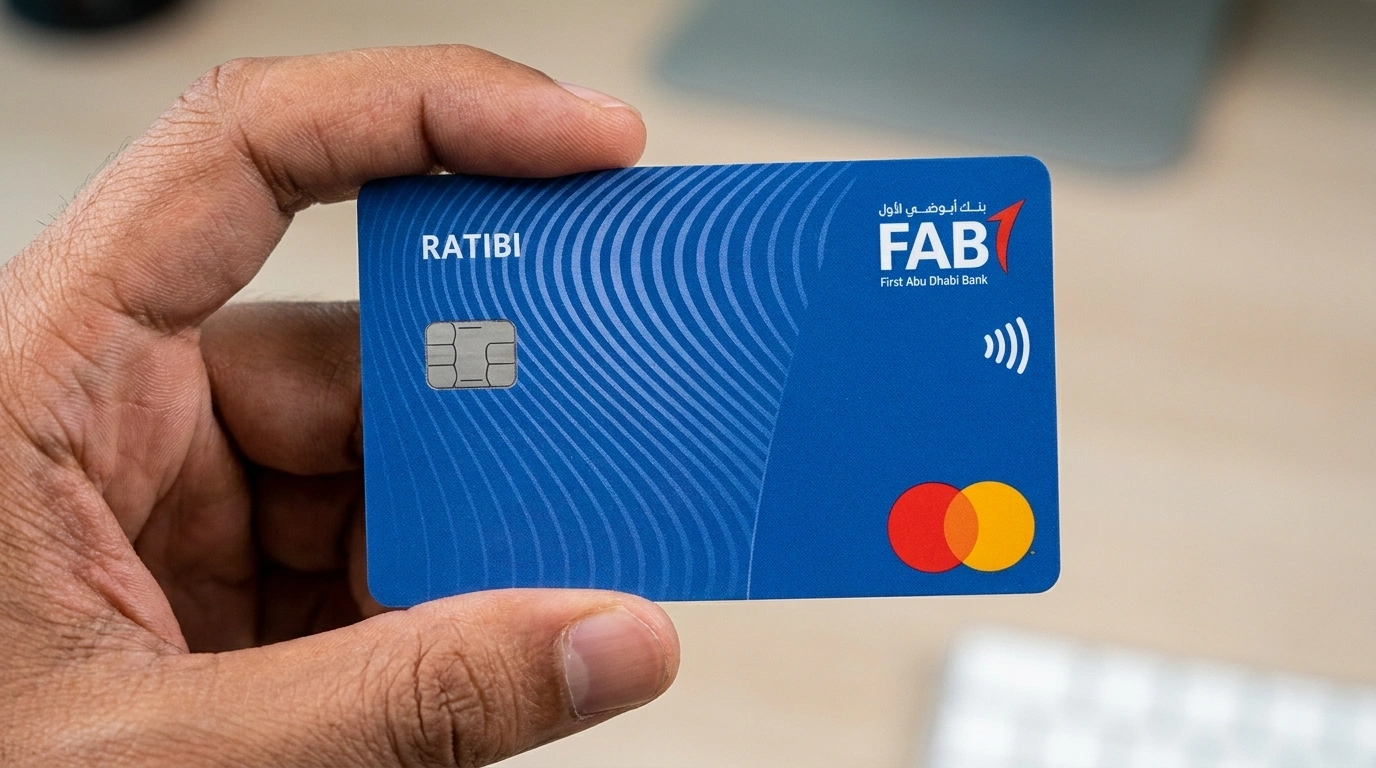
The Ratibi card is a prepaid salary card issued by First Abu Dhabi Bank (FAB) for workers earning up to AED 5,000 per month. It operates under the UAE Wage Protection System (WPS) and is widely used in construction, hospitality, retail, and domestic work. No traditional bank account is required to receive your salary on it.
What is the Ratibi Card?
Your employer applies for the card on your behalf through FAB’s corporate payroll system. You cannot apply independently. Once issued, activate it using the Payit app or at any FAB ATM. The card works on the Visa or Mastercard network, meaning it is accepted for ATM withdrawals, retail purchases, and online payments.
| Detail | Information |
| Issued by | First Abu Dhabi Bank (FAB) |
| Eligible employees | Earning up to AED 5,000 per month |
| Bank account required? | No |
| WPS compliant? | Yes |
| Card activation | Payit app or any FAB ATM |
| Ratibi Card Helpline | 600 522 298 |
| General FAB Helpline | 600 52 5500 |
How to Check Ratibi Card Salary Balance: All 5 Methods
| Method | Internet? | Login? | Fee? |
| PPC Magnati Portal | Yes | No | Free |
| Payit App | Yes | Yes (one-time) | Free |
| FAB Mobile App | Yes | Yes | Free |
| FAB ATM | No | PIN only | Free (FAB ATM) |
| Phone Helpline | No | No | Free (call rates apply) |
Method 1: PPC Magnati Portal (Fastest Online)
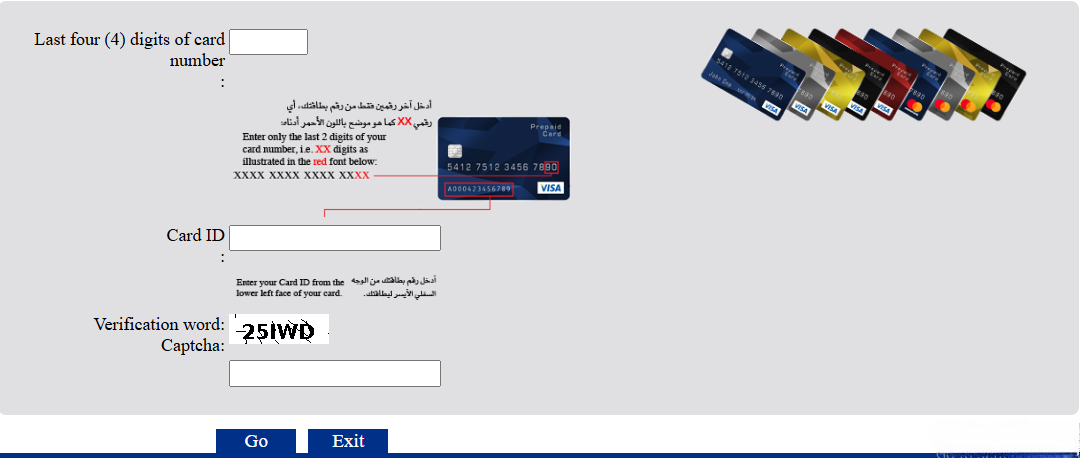
Go to the official Prepaid Cards Enquiry portal in any browser. Enter the last 4 digits of your card number, then your Card ID (printed on the back of your card or in your FAB welcome SMS), complete the captcha, and click Submit. Your balance appears instantly. No account, no download, and no setup is required.
Portal down? Use a FAB ATM or SMS to 2121 as an immediate backup. The portal occasionally goes offline for short maintenance windows. For a full transaction history, the Payit app is better than the portal.
Method 2: Payit App (Best for Daily Use)
Download the Payit app from the App Store or Google Play. Register with your Emirates ID and mobile number, link your Ratibi card using your card number and Card ID, verify with the OTP, and your balance will show on the home screen from that point onwards.
Beyond balance checking, the Payit app gives Ratibi users: full salary and transaction history, instant salary credit alerts, international money transfers to over 200 countries, UAE bill payments (du, Etisalat, Salik), and access to the Money on Demand salary advance feature.
Money on Demand: Ratibi cardholders can request up to 50% of their monthly salary as an advance before payday through Payit. Tap “Need Money” on the home screen, check eligibility, enter the amount, review fees, and tap Request. The funds will arrive in your wallet immediately. Repayment is automatically deducted when your next salary is credited.
Method 3: FAB Mobile App
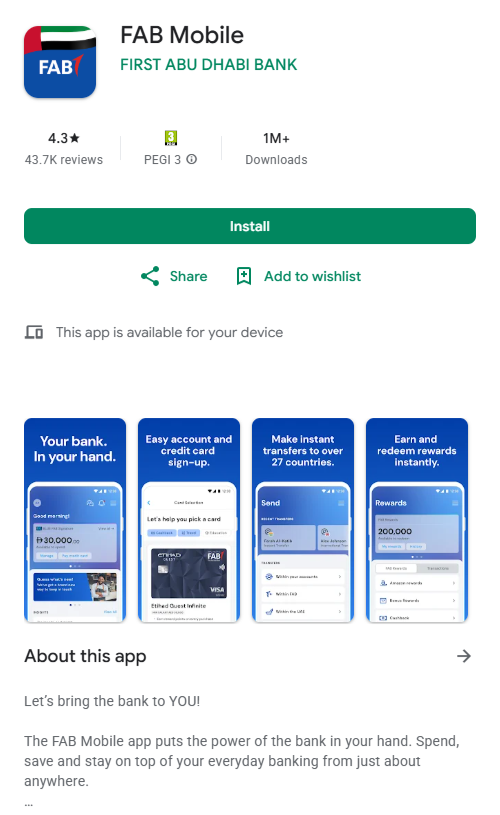
Download the FAB Mobile app, log in with your credentials or Card ID, and your balance and recent transactions will appear on the home screen. Note that not every Ratibi cardholder has FAB mobile banking access configured. If yours was never set up, use the Payit app or the Magnati portal instead. Both work for all Ratibi users without any prior setup. The FAB app also works internationally if you are outside of the UAE.
Method 4: FAB ATM
Insert your card at any FAB ATM (over 290 locations across the UAE). Select your language, enter your 4-digit PIN, and select Ratibi Balance Inquiry from the menu. Your balance will appear on the screen. You can also print a mini statement of recent transactions. Find the nearest branch using FAB bank branches and ATMs locator.
| ATM Type | Balance Check Fee |
| FAB ATM (anywhere in UAE) | Free |
| Non-FAB ATM (within UAE) | AED 2.10 per inquiry |
| ATM outside the UAE | Varies by network |
PIN lock warning: Three wrong PIN attempts lock your card immediately. Call 600 522 298 or visit any FAB branch with your Emirates ID to unlock it. If you have never set up a PIN, visit a FAB branch in person to create one.
Method 5: Phone Helpline
Call 600 52 5500 from within the UAE, follow the IVR prompts, and enter your card number when asked. Your balance is confirmed by the automated system within minutes. For card issues (locked card, error, lost card), call 600 522 298 instead. If you are outside the UAE, use +971 2 681 1511. Have your Emirates ID and card number ready before calling.
What to Do If Your Ratibi Salary Has Not Arrived?
Most guides say “contact FAB” and stop there. FAB can only confirm whether money was received or not. In the majority of cases, the real problem is on the employer’s side. Here is what to do in the right order.
Step 1: Wait until the end of the business day. WPS transfers can be posted late in the afternoon or the next business day. A salary submitted correctly in the morning may not appear until the evening.
Step 2: Check using two different methods. Try the Magnati portal and then an ATM to rule out a display error on one platform.
Step 3: Contact your HR or payroll team. Ask specifically whether the WPS salary file was submitted and accepted. Ask for the WPS transfer reference number. If they cannot provide it, the salary was likely never submitted.
Step 4: Check your contract for deductions. Accommodation, transport, and advance repayments can reduce what appears on your card. If a deduction looks wrong, raise it in writing with HR.
Step 5: Call FAB on 600 522 298. Only after your employer confirms the salary was sent but your card still shows nothing after 24 hours.
Step 6: File a complaint with MOHRE. If your salary has not arrived by the 10th of the following month, file a free complaint at MoHRE Government portal or call 800 60. You can also check your labour card status through the MOHRE portal before filing.
Know your rights: Workers facing repeated salary delays can also verify any outstanding UAE visa fines that may affect their status. The UAE unemployment insurance scheme also provides a financial safety net worth understanding if your employment situation becomes uncertain.
Ratibi Card Benefits Most Workers Do Not Know About
The card includes free personal accident insurance for up to AED 25,000 from the day it is issued. No registration is needed. Most workers never find out this exists.
There is no minimum balance requirement and no monthly maintenance fee. Your balance can reach zero with no penalty. Every salary credit also triggers a free automatic SMS notification to your registered UAE mobile number, with no sign-up required.
The card works anywhere Visa or Mastercard is accepted, including in retail stores, online shopping, and international use. It is not limited to ATM cash withdrawals. Through the Payit app, you can also send money to over 200 countries directly from your salary balance, saving time visiting a money exchange.
Frequently Asked Questions
What is the Ratibi card balance check number?
Call 600 52 5500 for general balance queries within the UAE. For card-specific problems (locked, lost, & error), call 600 522 298. From outside the UAE, use +971 2 681 1511.
How do I check my Ratibi salary online without an app?
Go to the PPC Magnati portal. Enter the last 4 digits of your card, your Card ID from the back of the card, complete the captcha, and click Submit. Balances appear instantly. No login or app needed.
Can I check my Ratibi balance by SMS?
Send BAL followed by your last 4 card digits to 2121 from your registered UAE number. Standard SMS charges apply. Note: This service may not be active on all Ratibi accounts. If you get no response, use the Magnati portal or a FAB ATM instead.
What is the card ID and where do I find it?
The Card ID is a unique number printed on the back of your Ratibi card or sent in the FAB welcome SMS when your card was issued. It is different from your card number. If you cannot locate it, visit a FAB branch with your Emirates ID.
My Ratibi balance shows zero. What does that mean?
Usually one of three things: your salary has not processed yet for the day, pre-authorized deductions have reduced your visible amount, or your employer has never submitted the WPS file. Contact HR first. If they confirm it was sent, call 600 522 298 and give FAB 24 hours to investigate.
Is checking my Ratibi balance free?
All five official methods are free. The only exception is a non-FAB ATM inside the UAE, which charges AED 2.10 per inquiry. Standard call and SMS rates from your telecom provider apply to those methods.
What is the Money on Demand feature?
Available through the Payit app, it lets Ratibi cardholders request up to 50% of their monthly salary in advance before payday. Open Payit, tap “Need Money,” check eligibility, enter the amount, review the fees, and tap Request. Repayment is automatically deducted from your next salary credit.
Final Thoughts
For a quick daily check, the Magnati portal is the fastest option available. For anyone who wants a full transaction history, international transfers, or a salary advance, the Payit app is the better long-term tool. Workers without a smartphone or internet should rely on the FAB ATM, which is free and available at over 290 locations across the UAE.
When your salary does not show up, go to your HR team before calling FAB. Ask for the WPS transfer reference number. That one question tells you immediately whether or not the salary was ever submitted. If the answer is unclear or your employer is unresponsive, you have the right to file a complaint with MOHRE at no cost.
Save 600 522 298 in your phone now, before you need it. On the days when something goes wrong with your card, having that number ready saves you time and stress.

Haris Khan is the lead content expert at TheEmiratesGuides.com, where he oversees the documentation of UAE visa processes, employment opportunities, and government services. With a commitment to factual integrity and real-time updates, he provides the technical expertise necessary to guide readers through the complexities of life and work in the UAE.